Chess vs AI
Play White against a lightweight computer opponent.
Chess vs AI
You play White against computer.
What can you do with it?
Chess
Lightweight chess with undo and promotion.
Instant feedback
See scores, previews and status on-page
Easy to share
Great for demos, events or personal saves
Zero install
Open in the browser and go
Take results away
Copy, export or keep local records
Local-first
Runs locally in the browser; no business-server upload.
Why choose this tool?
Chess
Lightweight chess with undo and promotion.
Play
Lightweight entertainment build
Visible state
Scores, steps or previews stay in view
Clear privacy
Runs locally in the browser; no business-server upload.
How to use?
Start a round
Open the workspace and prepare inputs or a new round
Follow the rules
Use the toolbar and board to complete the flow
Save or restart
Copy outputs, reset, or start again
Related games

FAQ
- Human vs AI or two players?
- Same as MeTool: play against the computer. Choose your color and difficulty—no second human required.
- Are games uploaded?
- Local-first; progress may stay in your browser only.
- How strong is the AI?
- Easy/Medium/Hard lightweight browser evaluation for practice—not a pro engine.
- Online multiplayer?
- No realtime multiplayer in this version—solo vs AI only.
Best free online Chess vs AI in 2026
Chess vs AI is a browser board game vs AI you can open in the browser. Play White against a lightweight computer opponent. No download required, and easy to share.
What can you use it for?
- Play a full game against AI anytime
- Practice with difficulty levels
- Quick sessions during breaks
- Share one link and practice the same rules
Why this online Chess vs AI?
- Instant AI opponent in the browser
- Difficulty, side and undo controls
- No forced login
- More board and puzzle games on the same site
How to start
- Pick board/difficulty and side if available
- Click or drag to move
- Use undo/restart when needed
- Start another game after finishing
Who is it for?
Whether you want a two-minute break or a focused practice session, Chess vs AI fits. Students, office workers and casual players can treat it as a lightweight training board: open the page, pick a difficulty, and play.
Tips
- On desktop, keep focus on the game area before using keyboard controls.
- Best scores are usually stored in localStorage and stay on this browser.
- Restart often—short loops are the fastest way to improve.
Related games
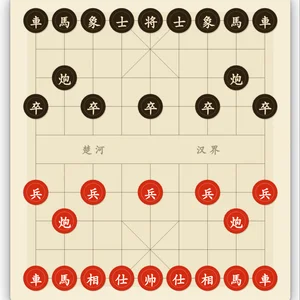
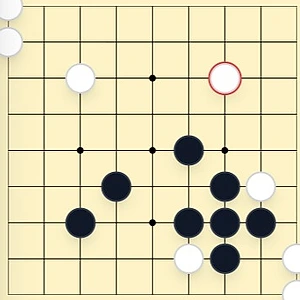
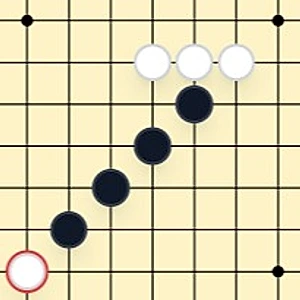
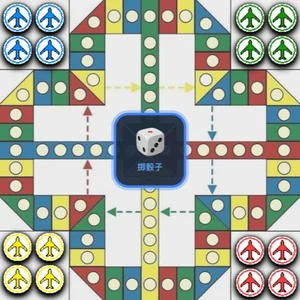
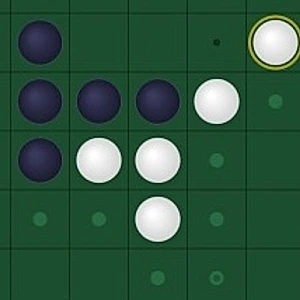
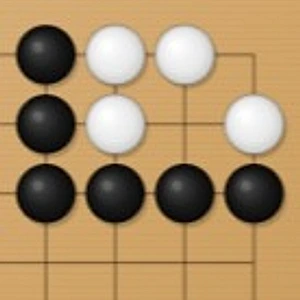
If you enjoy Chess vs AI, also try: Chinese Chess vs AI, Go vs AI, Gomoku vs AI, Aeroplane Chess vs AI, Chinese Checkers vs AI, Reversi vs AI.
Start a round of Chess vs AI now, then level up the difficulty as you get comfortable.